
HTML में Images (चित्र) का उपयोग web page पर photos , logo, icon, banner और अन्य ग्राफिक्स दिखाने के लिए किया जाता है। किसी भी वेबसाइट को attractive और users के लिए आसान बनाने में Images की महत्वपूर्ण भूमिका होती है।
Syntax :
<img src="image.jpg" alt="Image Description">Example :
<!DOCTYPE html>
<html lang="en">
<head>
    <meta charset="UTF-8">
    <meta name="viewport" content="width=device-width, initial-scale=1.0">
    <title>My First Page</title>
</head>
<body>
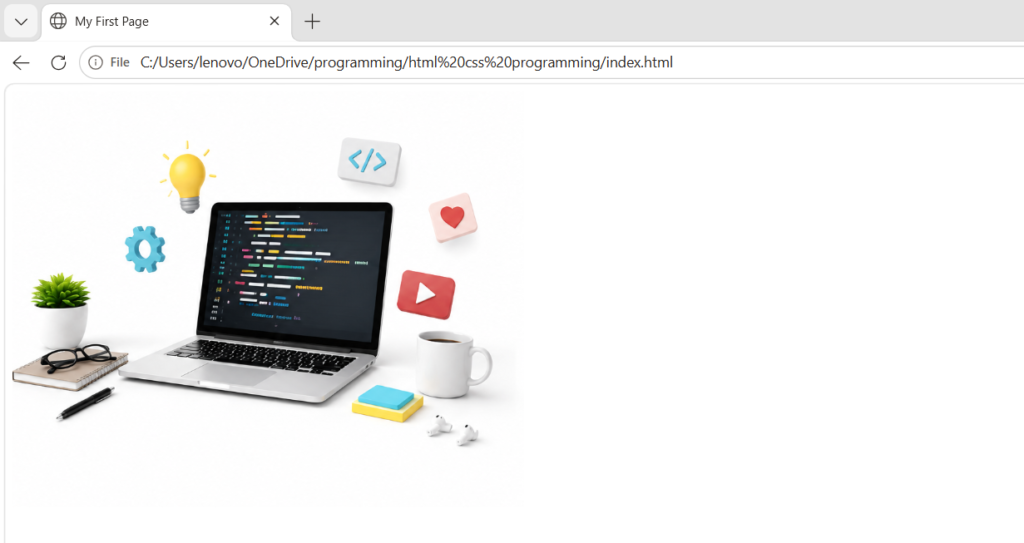
  <img src="C:\Users\lenovo\OneDrive\programming\Documents\Pictures\ChatGPT Image Jun 17, 2026, 01_52_52 PM.png" height="400" >
</body>
</html>
Output :
1. src Attribute (source )
SRC attribute में इमेज का पथ लिखा जाता है |
Syntax :
<img src="image.jpg">2. alt Attribute
alt attribute का इस्तेमाल Image लोड न होने पर वैकल्पिक टेक्स्ट दिखाने के लिए किया जाता है
Example
<img src="flower.jpg" alt="Flower Image">3. width Attribute
width attribute का इस्तेमाल Image की चौड़ाई (Width) निर्धारित करने के लिए किया जाता है |
Example
<img src="flower.jpg" width="300">4. height Attribute
height attribute का इस्तेमाल Image की ऊँचाई (Height) निर्धारित करने के लिए किया जाता ह है।
Example
<img src="flower.jpg" height="200">HTML image important attributes :
| Attribute | कार्य |
|---|---|
src | Image का Path बताता है |
alt | वैकल्पिक टेक्स्ट दिखाता है |
width | चौड़ाई निर्धारित करता है |
height | ऊँचाई निर्धारित करता है |
title | Tooltip दिखाता है |
loading | Image Loading नियंत्रित करता है |
style | CSS Style लागू करता है |
class | CSS Class जोड़ता है |
id | Unique पहचान देता है |
draggable | Drag सुविधा नियंत्रित करता है |